

1. Add your docs#
In a new folder, create a docs.json file:
Tip
You can skip this step if your project already has a docs.json or mint.json file.
docs.json
Then add the first page:
index.mdx
2. Install the CLI#
Install the package globally:
This adds the docs7 command to your terminal.
3. Start the dev server#
Run this from the folder that contains docs.json:
Open http://localhost:3333. The page reloads when you edit a file.
The first run downloads the renderer and caches it for later. You can also pass a project folder or use another port:
Note
You can also run the CLI without installing it: npx @upstash/docs7 dev.
4. Publish#
- Push the project to GitHub.
- Open the Docs7 tab in your Context7 teamspace.
- Click Add New Site and choose the repository.
- Set the production branch and the folder that contains
docs.json. - Click Publish Site.
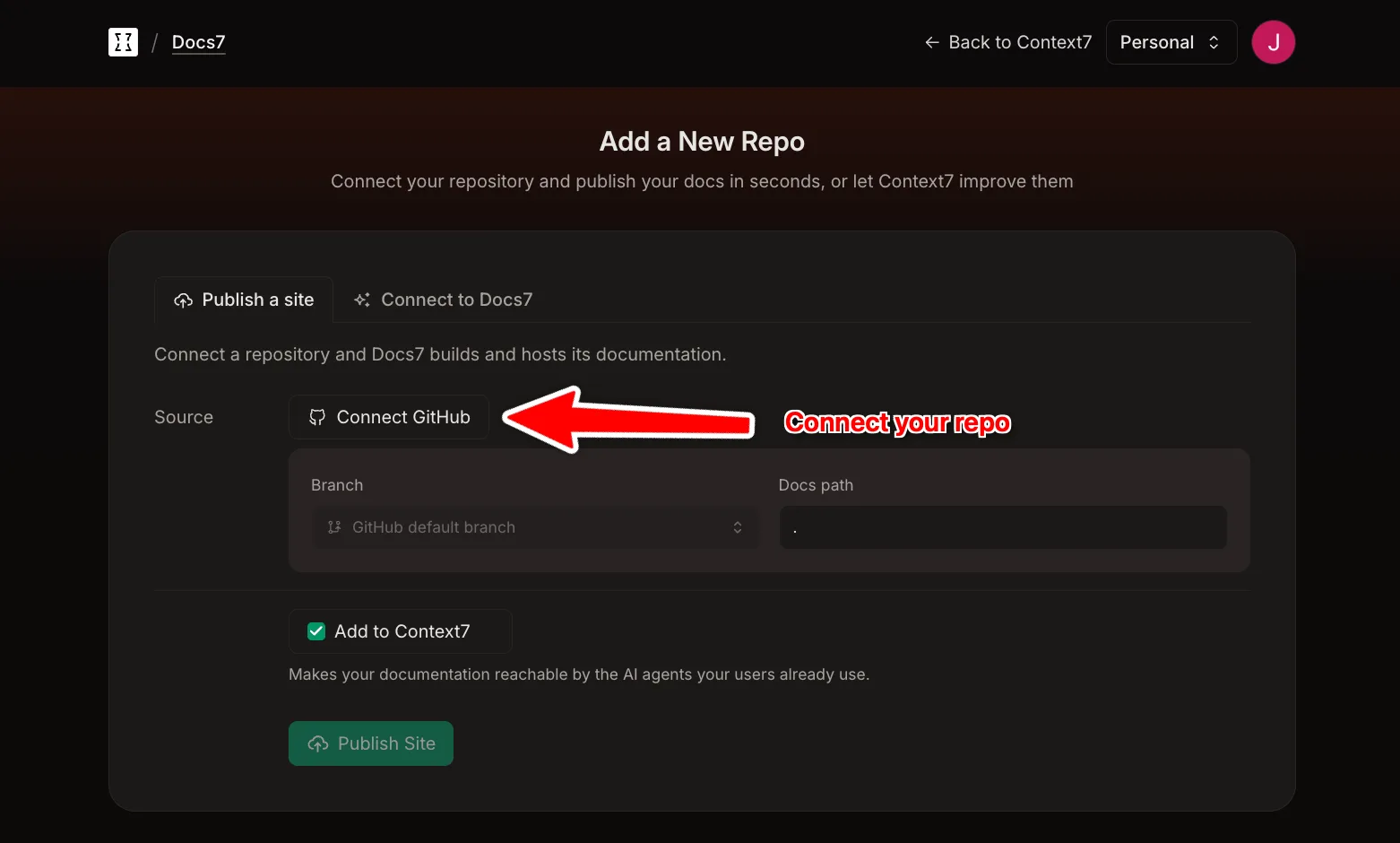
Every push to the production branch creates a new deployment. Pull requests get a preview site.
Next, see the components you can use in MDX.